For those of you who prefer to watch a video I made on my channel regarding this subject:
The one git command you should master is
git rebase -i
What Is Git Rebase Anyway?
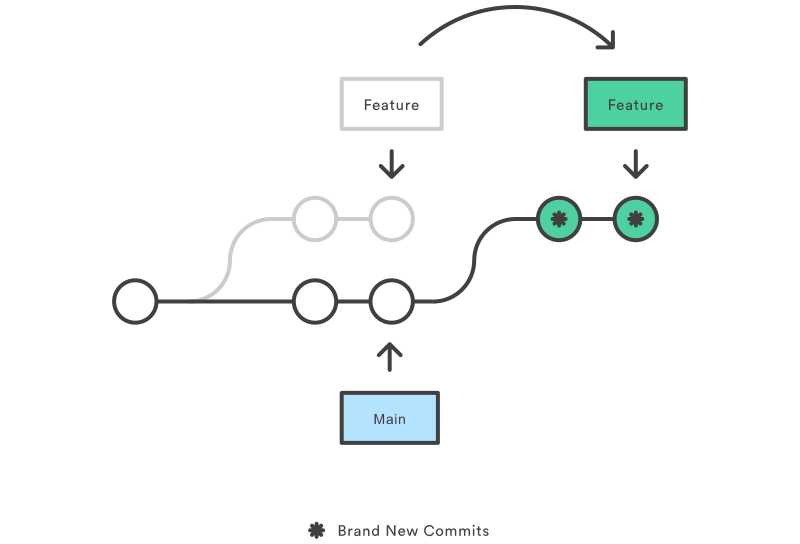
Rebasing is the process of moving or combining a sequence of commits to a new base commit. Therefore, git rebase is a Git command used to change the base commit of a series of commits (usually a branch).
A simple diagram for describing the process is one I found on Atlassian:
What’s Special About Git Rebase Interactive?
Git rebase interactive or git rebase -i allows you to perform commands during the rebase process.
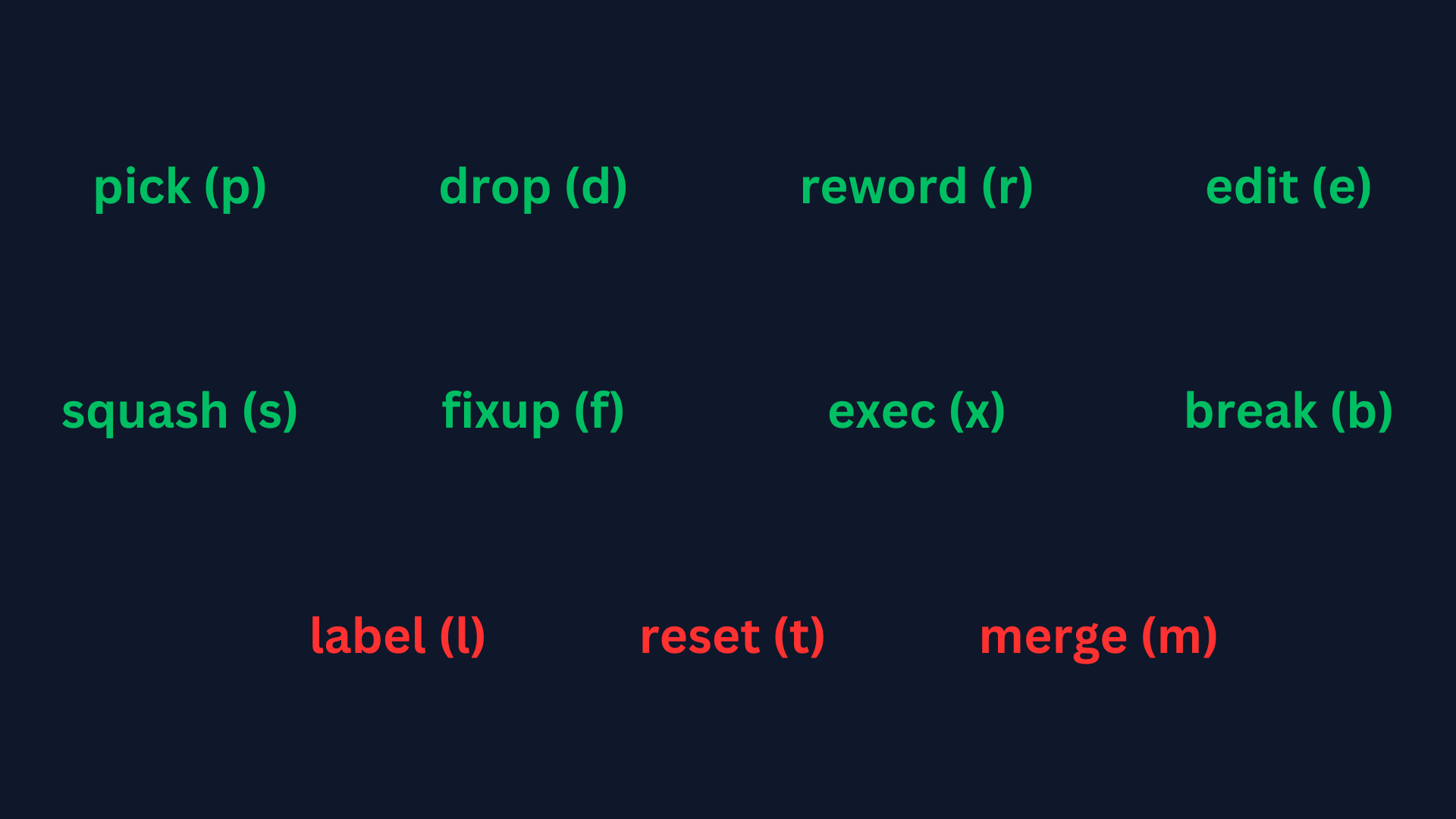
Commands In git-rebase-todo File Everyone Should Know
Disclaimer: I don’t include live examples in this article. I highly recommend the video above since it does include a live example for each command.
Pick (p)
Allows you to use a commit.
What is this command mostly used for? Changing the order of commits.
Drop (d)
Allows you to remove a commit.
What is this command mostly used for? Comfort reasons. While obviously you can remove the whole line of a commit inside the git-rebase-todo file
and the commit will be removed you can instead replace the pick command with the drop (d) command
Reword (r)
Allows you to change a commit message.
What is this command mostly used for? In case you forgot to add something or mistyped a commit message.
Edit (e)
Allows you to stop in a specific commit for amending which means you can do all the things you could do in a regular commit, from changing the files
included in the commit to their content. Also, you can edit the commit message just like in the reword command.
What is this command mostly used for? In case you want to add commits in between other commits.
Squash (s)
Allows you to take a commit, “meld” it into the previous one and then change the message of the new commit that combines them both.
What is this command mostly used for? In case you want to combine several small commits into a single, more meaningful one. For example: combine all the commits of a feature branch to make a more concise commit with a more meaningful message.
Fixup (f)
Just like the squash command but it doesn’t let you change the commit message of the “combined” commit. Instead, it just uses the commit message of the first commit in the group of the commits combined.
What is this command mostly used for? In case you forgot to do something in a specific commit, you can create a new commit and then fixup the new commit above that specific commit.
Exec (x)
Allows you to execute shell commands during the rebase process.
What is this command mostly used for? Performing additional actions, such as running scripts, applying patches, or making changes that go beyond the standard rebase operations.
Break (b)
Allows you to stop in between commits and then continue the rebase using git rebase --continue
What is this command mostly used for? In case you want to add commits between other commits.